Success leaves clues, and often, it leaves a high-performance laptop on the desk. We’ve curated the top 5 devices...

Latest posts
-
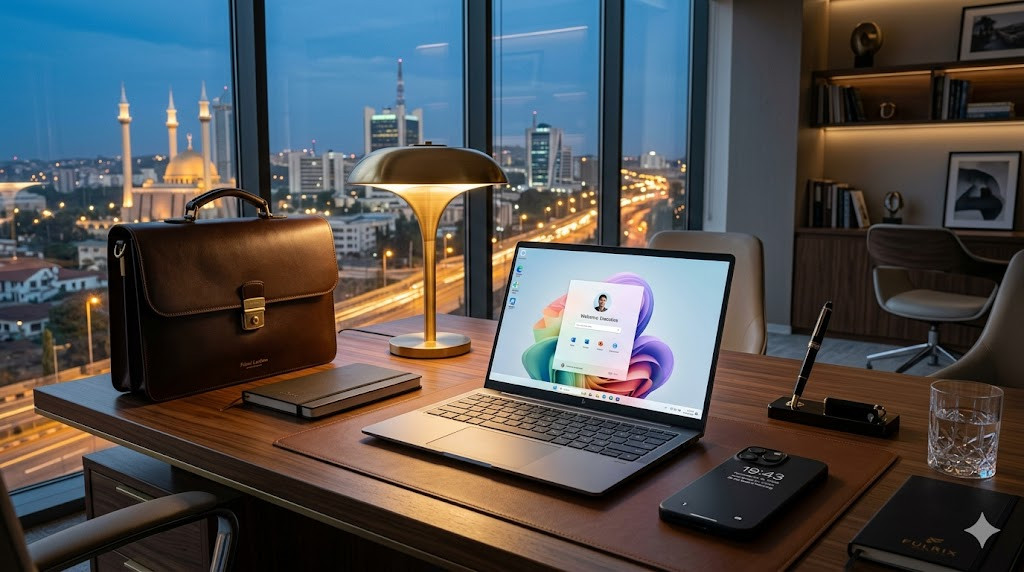 Best Laptops for Executives in Nigeria (2026 Edition)Read more
 -
 Buying Tech in Abuja: 5 Costly Mistakes Professionals Make (And How to Avoid Them)Read more
Success leaves clues, and often, it leaves a high-performance laptop on the desk. We’ve curated the top 5 devices...
-
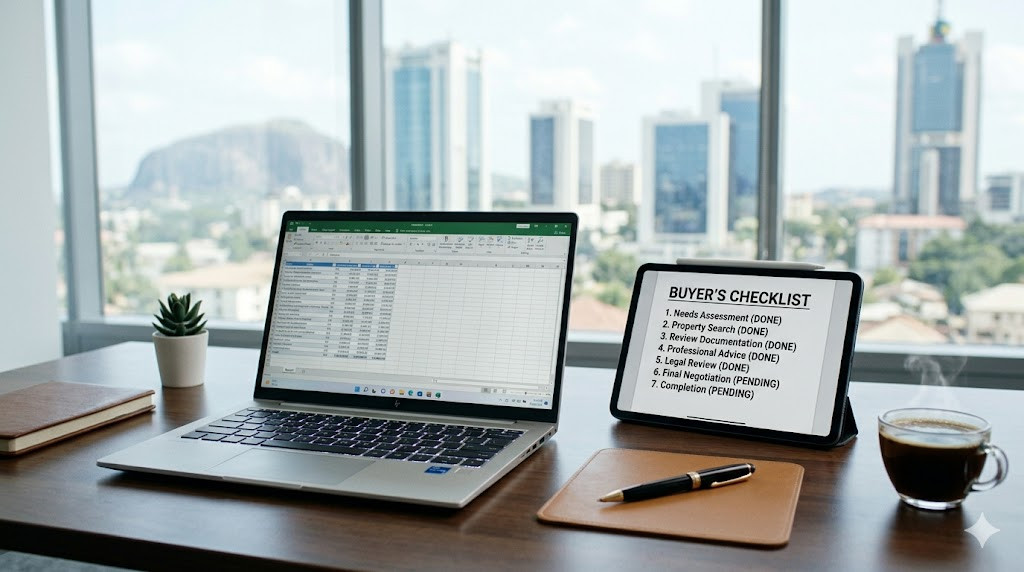 What to Look for Before Buying a Premium Laptop in Nigeria (2026 Guide)Read more
Buying a laptop shouldn't be a gamble. From checking serial numbers to choosing the right AI-integrated processor,...
-
 Laptops Slow Down Faster Than They Should (And What to Do About It)Read more
Your laptop was fast... until it wasn't. We break down the technical reasons your device is lagging—from RAM...
-
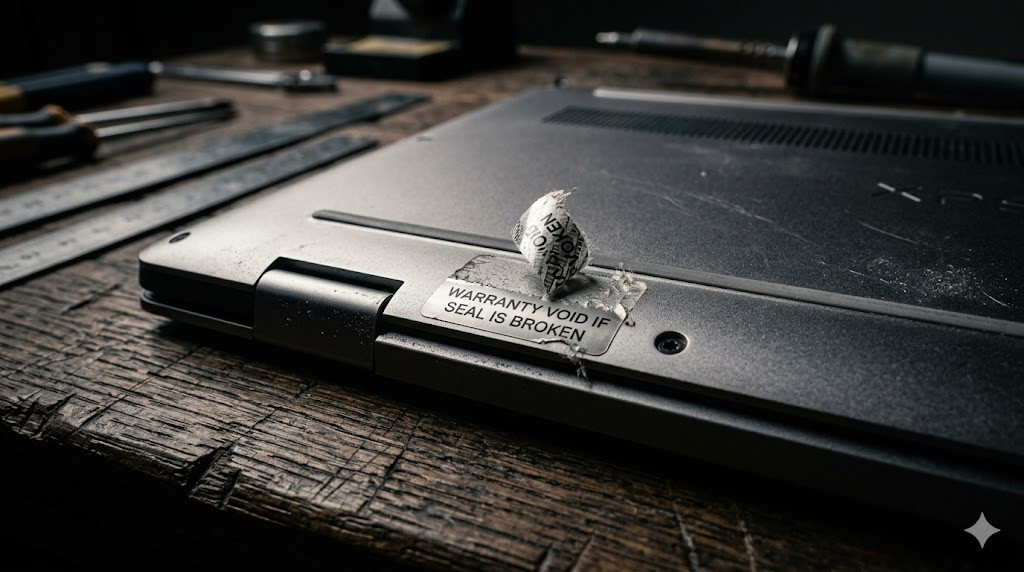 How to Avoid Fake or Refurbished Laptops in NigeriaRead more
A survival guide for the Nigerian tech market. We reveal the tactics shady sellers use to repackage used devices and...
-
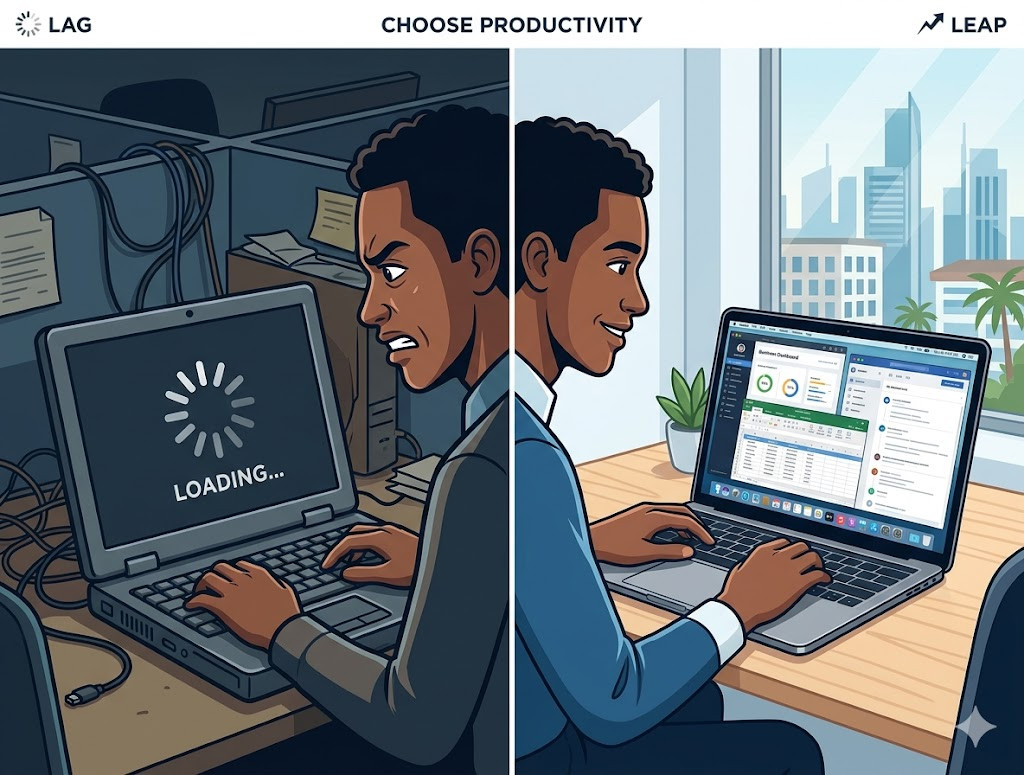 The Real Cost of Buying Cheap Devices (And How It Slows You Down)Read more
At first glance, buying a cheaper laptop or smartphone seems like a win.You spend less, get what you need, and move...
Blog categories
Search in blog
Archived posts

Laptops Slow Down Faster Than They Should (And What to Do About It)
Your Laptop Was Fast… Until It Wasn’t
Almost every laptop starts off feeling smooth.
Apps open quickly.
Tasks run without friction.
Everything works as expected.
Then, over time, things change.
-
It starts lagging
-
Multitasking becomes difficult
- Simple tasks take longer
And the question becomes:
“Why is my laptop slowing down so fast?”
The Real Reasons Laptops Lose Performance
Most people assume it’s just “normal.”
But in reality, there are specific causes—and many of them are avoidable.
1. Low-Performance Hardware From the Start
Many devices are built with:
-
Limited RAM
-
Entry-level processors
-
Slower storage systems
They work fine initially—but can’t handle long-term demand.
This is especially common with cheaper devices, which often sacrifice performance for price.
See: The Real Cost of Buying Cheap Devices
2. Background Processes Overload the System
As you install apps and updates:
-
More processes run in the background
-
Memory usage increases
-
System responsiveness drops
Low-end devices struggle the most here.
3. Storage Degradation
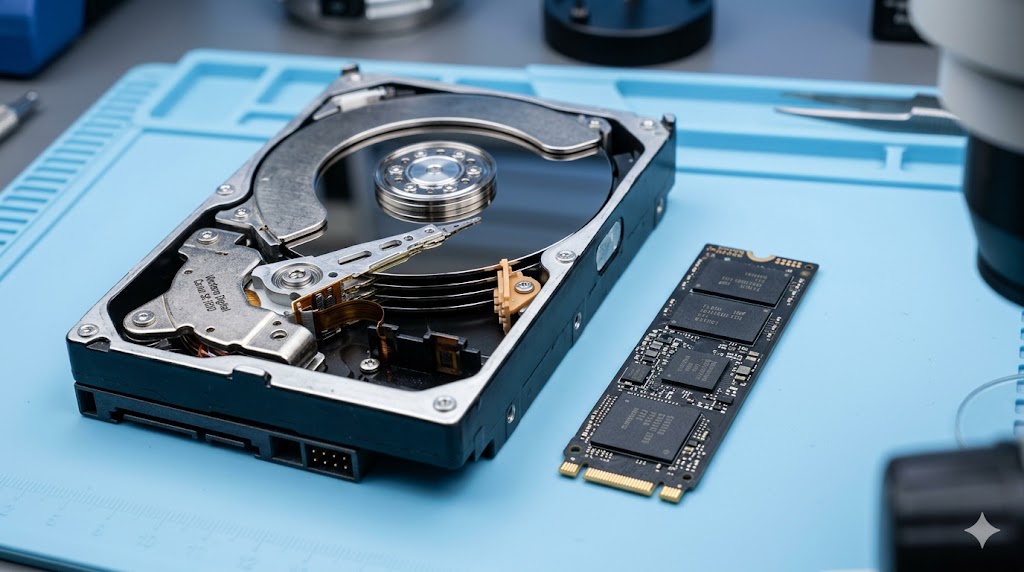
If your laptop uses slower storage (HDD instead of SSD):
-
File access becomes slower
-
Boot times increase
-
Overall experience declines
4. Poor Build Quality and Components
Some devices are not designed for longevity.
This includes:
-
Weak cooling systems
-
Lower-quality internal components
-
Inconsistent performance under load
In some cases, the issue isn’t just quality—it’s authenticity.
Read: How to Avoid Fake or Refurbished Laptops in Nigeria
Why “Fixing It” Doesn’t Always Work
Most users try:
-
Cleaning up storage
-
Closing apps
-
Running system optimizations
And while these help temporarily, they don’t solve the root issue.
If the hardware isn’t built for performance, there’s only so much optimization can do.
The Hidden Cost of a Slow Laptop
A slow device doesn’t just waste time—it affects how you work.
-
Tasks take longer
-
Focus gets interrupted
-
Output quality drops
Over weeks and months, this compounds into lost productivity.
If you rely on your laptop for work, this becomes a serious limitation.
When It’s Time to Upgrade
Instead of constantly fixing performance issues, there comes a point where upgrading is the smarter move.
Signs include:
-
Frequent lag during normal tasks
-
Inability to multitask effectively
-
Battery performance dropping significantly
If you’re experiencing these, your device is no longer supporting your workflow.
How to Choose a Laptop That Won’t Slow You Down
Upgrading isn’t just about buying something new—it’s about buying something right.
You need to consider:
-
Processor capability
-
RAM capacity
-
Storage type (SSD vs HDD)
-
Build quality
Follow this guide: What to Look for Before Buying a Premium Laptop in Nigeria
Performance Is Not Optional for Professionals
For professionals, your laptop is not just a device—it’s a work tool.
Devices built for performance allow you to:
-
Run multiple tasks smoothly
-
Work without interruptions
-
Maintain consistent output
That’s why many professionals are shifting toward premium options designed for reliability and efficiency.
Explore options: Best Laptops for Executives in Nigeria

A Smarter Way to Upgrade in Abuja
Upgrading your laptop shouldn’t feel like guesswork.
You need:
-
Verified devices
-
Clear recommendations
-
Confidence in what you’re buying
At Fulrix, the focus is on helping professionals move from slow, limiting devices to tools that actually support their work.
Final Thought
A slow laptop isn’t just an inconvenience—it’s a constraint.
The real question is:
“Is your device helping you work… or holding you back?”
Because in the long run, the cost of a slow device is far greater than the cost of upgrading.
Ready to Upgrade Your Device?
-
Get expert recommendations
-
Access high-performance laptops
-
Buy with confidence
Posted in:
Productivity
Related posts
-
The Real Cost of Buying Cheap Devices (And How It Slows You Down)
At first glance, buying a cheaper laptop or smartphone seems like a win.You spend less, get what you need, and move...Read more
-
Best Laptops for Executives in Nigeria (2026 Edition)
Success leaves clues, and often, it leaves a high-performance laptop on the desk. We’ve curated the top 5 devices...Read more
Leave a comment